Changelog
What's new in Dispatch
Ideas, strategies, and behind the Every update, improvement, and fix, tracked and documented so you always know what changed. lessons for modern founders.
2.3.0
Insights Dashboard
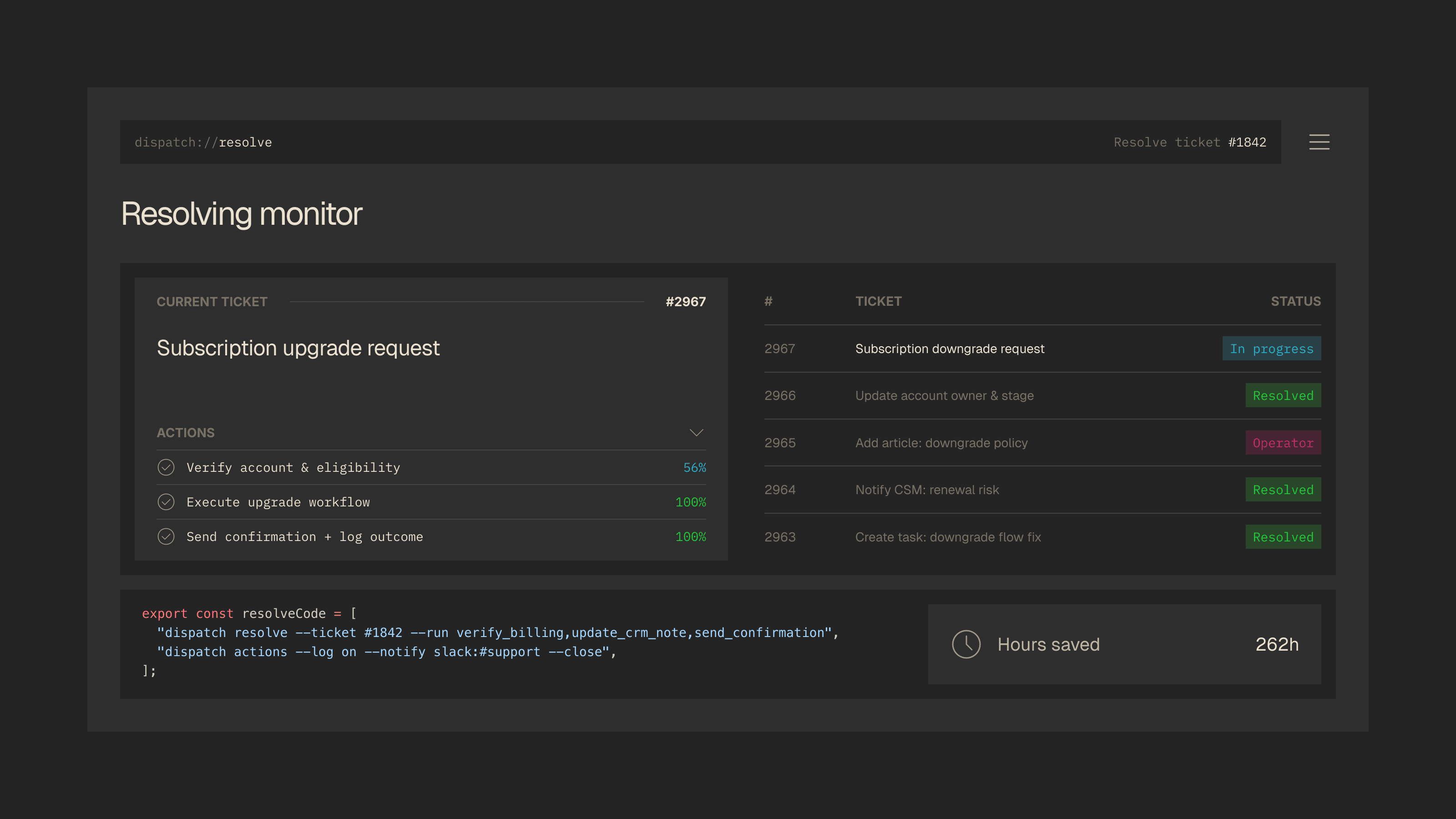
You cannot improve what you cannot measure. The new Insights dashboard gives you a complete picture of how your automation is performing: resolution rates broken down by channel and workflow, automation coverage across ticket categories, and per-agent throughput metrics. Everything updates in real time as tickets flow through the system.
We also shipped automation suggestions, a feature that analyzes your ticket patterns and recommends the next best workflows to automate based on volume, complexity, and current manual handling time. Think of it as a prioritized backlog for your automation roadmap, generated from your own data. All dashboard views can be exported to CSV or PDF for reporting and stakeholder reviews.
New
InsightsAnalytics dashboard with resolution breakdown, automation coverage, and agent throughput metricsAutomation SuggestionsAI-powered recommendations for workflows to automate next based on ticket patternsExportCSV and PDF export for all dashboard views
Improved
Audit TrailTimestamps now include timezone and show duration between each workflow step
Fixed
DashboardWeekly ticket count no longer double-counts reopened tickets
2.4.0
Approval Gate Policies
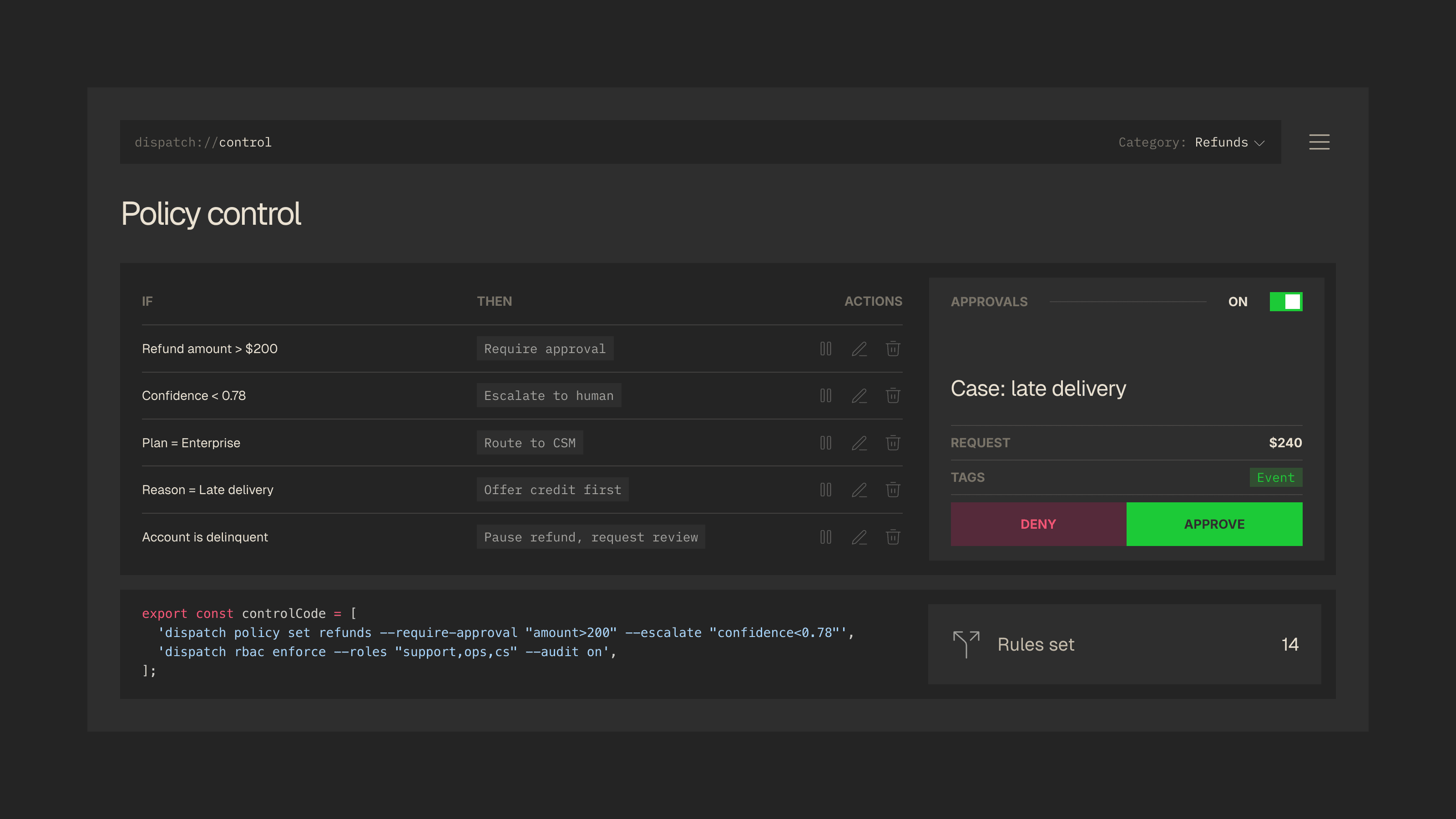
Automation is only as trustworthy as the guardrails around it. With this release, Dispatch introduces a fully configurable policy engine that lets you define exactly which automated actions can execute on their own and which require human sign-off before going through. Rules can be scoped by action type, monetary threshold, customer tier, account age, or any custom CRM field you track.
Approvers get a dedicated inbox with the full ticket context, customer profile, and proposed action attached. No need to open the original ticket separately. Accept, reject, or modify with a single click. We also added a set of starter templates for the most common approval scenarios so you can get up and running without building rules from scratch.
New
Approval PoliciesConfigurable rules engine for gating automated actions by type, value, and customer segmentApproval InboxDedicated queue for pending approvals with full ticket context and one-click accept or rejectPolicy TemplatesPre-built starter policies for refunds, account changes, and escalations
Improved
Action LayerActions now display which policy triggered an approval hold in the audit trailNotificationsApproval requests route to the correct approver based on team hierarchy
2.2.0
Salesforce and HubSpot Integrations
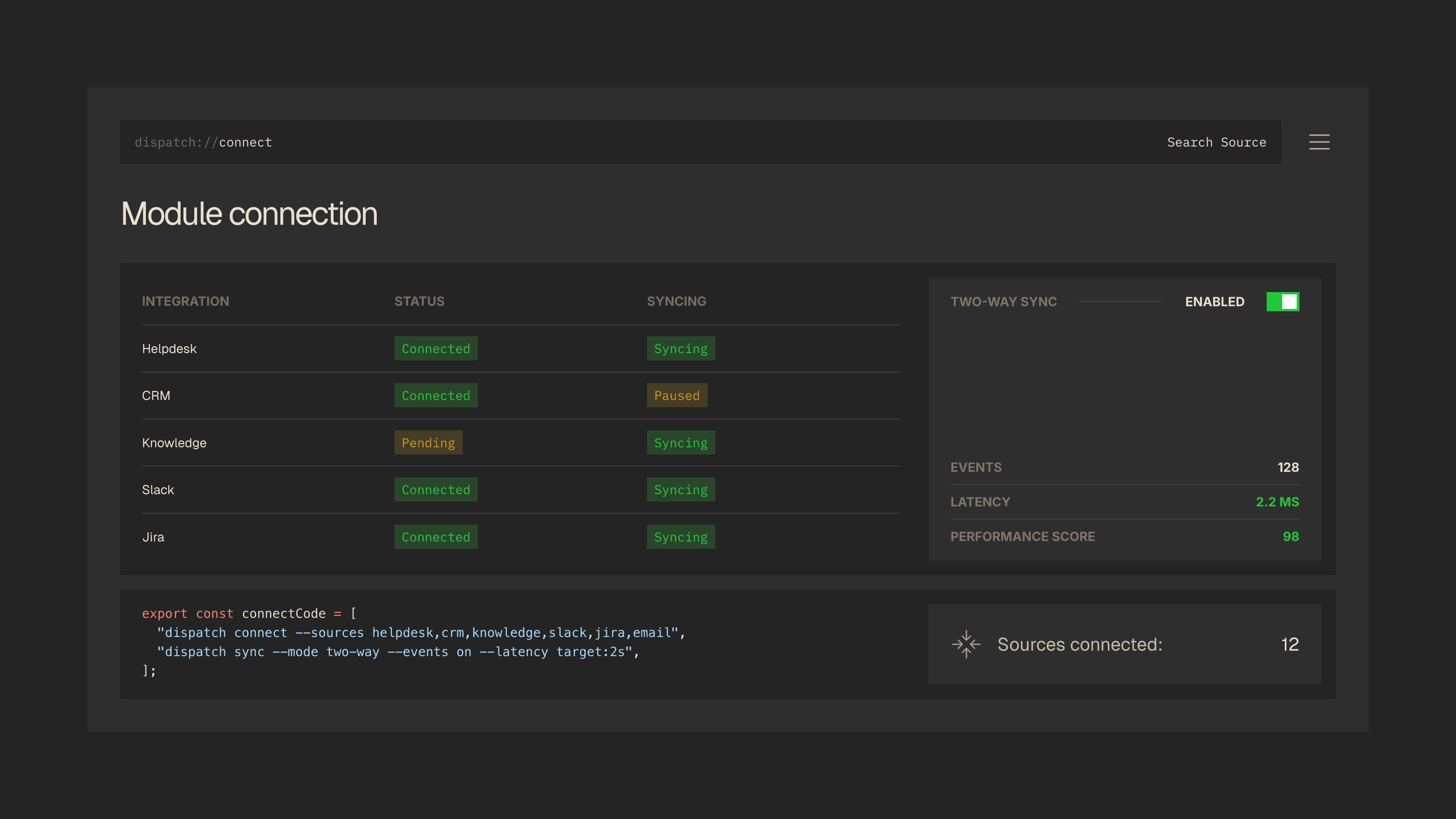
Your CRM is the single source of truth for who your customers are, what they have bought, and where they sit in the lifecycle. Dispatch can now connect directly to Salesforce and HubSpot with full bidirectional sync. That means customer records, deal stages, account health signals, and custom properties are all available to the Context Layer the moment a ticket arrives.
Setting up the connection takes minutes. A visual field mapper lets you align CRM fields to Dispatch context variables without writing any code. Once connected, the integration runs health checks every five minutes with automatic retry on failure, so you are never flying blind on whether your data is current. We also reworked how the Context Layer assembles customer profiles. Data is now fetched in parallel across connected sources, cutting profile assembly time by roughly 40%.
New
SalesforceBidirectional sync for contacts, accounts, cases, and custom objectsHubSpotPull contact properties, deal pipelines, and ticket history into the Context LayerField MappingVisual mapper for aligning CRM fields to Dispatch context variables
Improved
Connect LayerIntegration health checks now run every 5 minutes with automatic retry on failureContext LayerCustomer profile assembly is 40% faster with parallel data fetching
Get Template